


Description
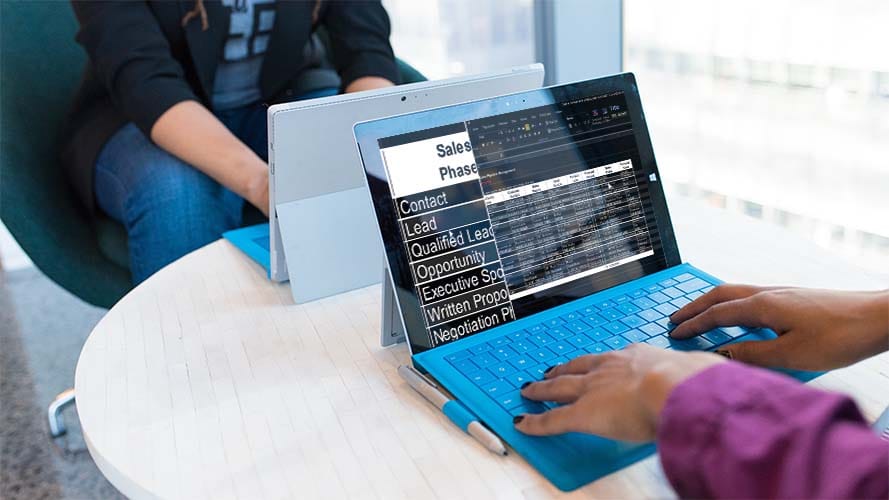
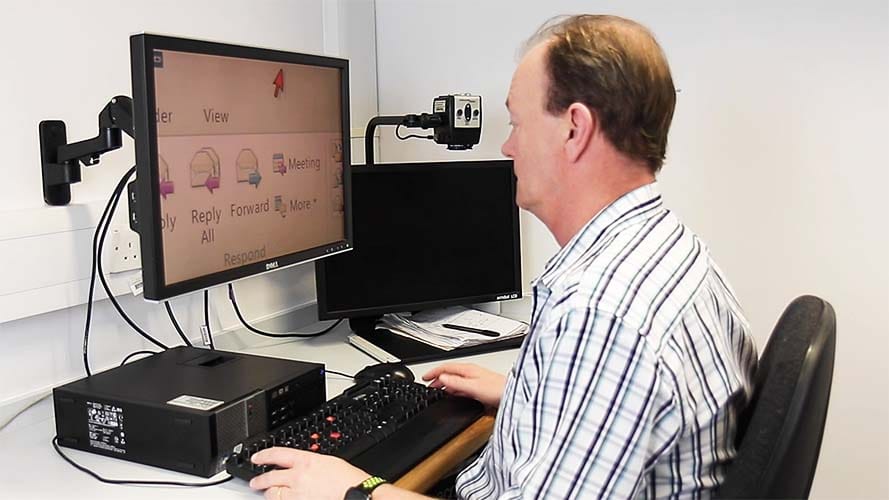
SuperNova Magnifier and Screen Reader provides screen magnification for people with low vision. Its True Fonts technology means digital content, words and images are clear, sharp and easy to read on screen, even at the highest magnification levels.
The software package contains various customizable features to ensure accessibility for differing levels of visual impairments.
A simple-to-use yet highly effective product, compatible with all of your favourite applications. The package works seamlessly between Microsoft Office packages, Web browsers and much more.
SuperNova Magnifier and Screen Reader has all of the SuperNova Magnifier and Speech features, with additional speech functions and braille compatibility.
Key Features:
1.2 to 64 Times Magnification
- True Font technology allow text and images to stay crystal clear from 1.2 all the way up to 64 times magnification
- 8 magnifier views provide varying options of how your screen is magnified (e.g. Full Screen, Split Screen, Movable Magnifier)
- Automatic tracking ensures you don’t lose track of where you are, no matter how magnified your screen is
Speech Options
- Character echo controls how much is spoken as you type. Choose whether to have words, characters or both spoken as you type
- Speak text under the mouse gives you the ability to have any text under your mouse pointer be read aloud
Screen Reader Verbosity
- Choose how much information the reader announces – high, medium, low or minimum
- Monitor markers enable the reader to announce changes on screen i.e. file download progress or security notifications
- Advanced text style announcements including blank lines, links, text formatting and more
Quick Navigation
- Quick navigation keys give users the ability to move straight onto paragraphs, lines, checkboxes and more
- Add Place Markers to text, headings or links on your favourite web page in order to skip straight to it the next time you visit
Read From Here Mode
- Allows documents, emails and web pages to be read aloud from your cursors position
- Highlighting of words and lines as content is read back
- Customization of announcements, choose whether punctuation and capitals are read aloud
Braille Support
- Supports over 60 Braille displays
- Show the physical layout of the screen through your braille display
- Use the keys on your braille display to type emails or documents
- Display your braille output to enable your sighted colleagues to follow what is happening on screen
Multiple Monitor Support
- Support for 3 or more monitors
- Full customization of magnification and colour schemes for each individual monitor
- Clone mode allows the same application to be displayed on different screens with independent settings. Ideal for collaborating with a sighted colleague


Reviews
There are no reviews yet.